Loading page
Using LearnBookpublished on
Turn Any PDF, Video, or Note into a Course with LearnBook
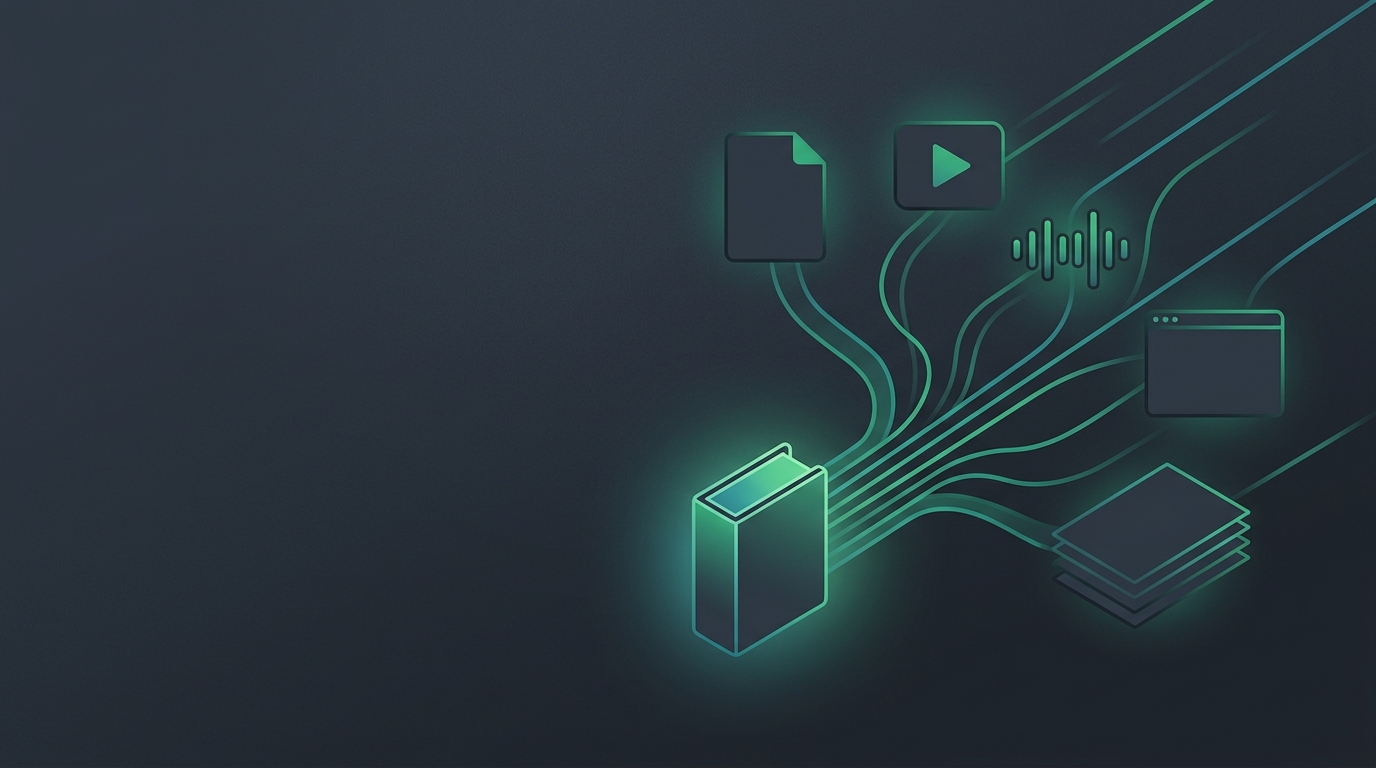
Most learning material doesn't arrive in a tidy format. You have a PDF research paper, a YouTube lecture you bookmarked three weeks ago, a voice memo from a conference, and a dozen browser tabs you meant to read. LearnBook was built for exactly this situation. Its core promise — "Learn Anything to Book, by AI" — means that whatever form your source takes, LearnBook can compile it into a structured, studyable course you can actually work through. This guide walks you through importing each supported source type and explains what happens when you hit compile. It is the first step in using LearnBook; explore all the platform features in our using LearnBook guides.
Why "Compile" and Not Just "Upload"
Uploading a file moves bytes from your device to a server. Compiling does something different: it parses the raw content, extracts meaningful structure, creates a navigable outline, links every claim back to the passage it came from, and pre-generates recall items — flashcards and quiz questions — so you can start studying immediately. The compiled result isn't a static copy of your source; it's a living learning object with context your AI tutor can draw on and a review queue that will follow you over weeks. That distinction matters, because the goal isn't storage — it's mastery.
Supported Source Types
LearnBook accepts a wide range of input formats so that "I'd study this if it were easier to work with" stops being a reason not to study.
PDFs and EPUBs
These are the most common academic formats. LearnBook parses them page by page, preserving headings, section breaks, and — where the PDF is well-formed — figure captions and tables. EPUB files retain their chapter structure, making navigation inside the compiled course more granular. After compilation, every answer your AI tutor gives can cite a specific page and passage rather than paraphrasing from memory.
Web Pages and Articles
Paste or share a URL and LearnBook fetches the article, strips navigation chrome, and processes the editorial content. This works well for long-form journalism, documentation pages, research preprints, and blog posts. Because the original URL is stored alongside the compiled text, citations link back to the live source.
YouTube and Lecture Captions
Share a YouTube link and LearnBook retrieves the caption track, aligns it to a rough transcript structure, and compiles it as a text-based course. This means a two-hour lecture becomes something you can skim, ask questions about, and review from — without scrubbing through video every time you want to check a detail. Timestamp references are preserved so citations point to the right moment in the video.
Podcasts and Audio Files
Audio sources — podcast episodes, recorded seminars, voice memos — go through automatic speech recognition before compilation. The resulting transcript is then processed the same way as any text source. Audio quality affects transcript accuracy, so clear recordings produce better results, but the workflow is the same regardless of format.
PowerPoint and Presentation Files
Slide decks are often dense with bullets and sparse with prose, which makes them hard to study from on their own. LearnBook extracts slide text, speaker notes where present, and slide order to build a structured outline. The compiled course can then fill in context your AI tutor can reason about, rather than leaving you to guess what a cryptic bullet point meant.
Plain Notes and Markdown
Your own notes — whether they're rough Markdown files, pasted text, or a long document you've been building — can be compiled into a course too. This is useful when you want to turn a knowledge dump into something with review built in, or when you're combining your notes with other source material.
Images via OCR
Photos of whiteboards, scanned textbook pages, or snapshots of handwritten notes are processed through optical character recognition before compilation. The extracted text then goes through the same compile pipeline. OCR accuracy depends on image clarity, but legible photos of printed or clearly handwritten text work well.
The Import and Compile Workflow
- Add your source. Paste a URL, upload a file, or paste text directly. LearnBook accepts the raw material in whatever form you have it.
- Let LearnBook compile. The compile step parses structure, extracts key concepts, builds a navigable outline, and generates an initial set of flashcards and quiz questions grounded in the source text. For longer documents this takes a moment; for short articles it's near-instant.
- Review the compiled course. You get a structured view of the material with a clear outline and section-by-section navigation. Headings from the original source become the backbone of your study guide.
- Start reading and asking. Open any section and read it with your AI tutor available to answer questions. Because the tutor is grounded in your specific source — not the general internet — its answers cite the passage they come from rather than offering generic explanations.
- Study the generated recall items. The flashcards and quiz questions generated during compilation are already in your review queue, scheduled by the FSRS spaced-repetition algorithm. You can review them immediately or let the schedule bring them to you at the right time.
What Compilation Creates
After compiling, your source becomes more than a readable document. The compile step produces three interrelated assets:
- A structured outline — navigable by section, letting you jump directly to the part you need rather than scrolling.
- Citation anchors — every AI tutor answer and every generated flashcard links back to the specific passage in your source that supports it. This is what makes the system trustworthy: you can always verify where a claim came from.
- An initial recall set — flashcards and quiz questions drawn from the compiled content, ready for spaced-repetition review. These aren't generic; they're grounded in the specific arguments, facts, and structures in your material.
Tips for Better Compilation Results
A few practical notes from working with real sources:
- Well-structured PDFs — those with actual heading tags rather than oversized bold text — produce cleaner outlines after compilation.
- YouTube videos with auto-generated captions compile successfully, but videos with manually created captions (common on academic channels) produce more accurate transcripts.
- If you're importing a very long source, consider whether it makes sense as one course or whether you'd rather compile major sections separately for more focused review sessions.
- Your own notes often compile best when they have some structure — even minimal headings help LearnBook understand the shape of what you know.
From Any Source to a Course You Can Actually Study
The import-and-compile workflow is the entry point to LearnBook's learning loop: Import → Compile → Read and Ask → Quiz and Flashcards → Review. Once your source is compiled, the AI tutor and review system takes over to ensure what you read actually sticks. Each step is designed so that the effort you put into one stage pays off in every stage that follows. Compiling a source well means your AI tutor answers are more accurate, your flashcards are more relevant, and your review sessions are more efficient. The formats your material arrives in shouldn't determine whether you can study it effectively — LearnBook's job is to make sure they don't.
Ready to start? Bring in a PDF, a lecture link, or your own notes and compile your first course in LearnBook. The whole loop — from raw material to reviewed mastery — begins with a single import.
Share
Related Posts
Using LearnBook
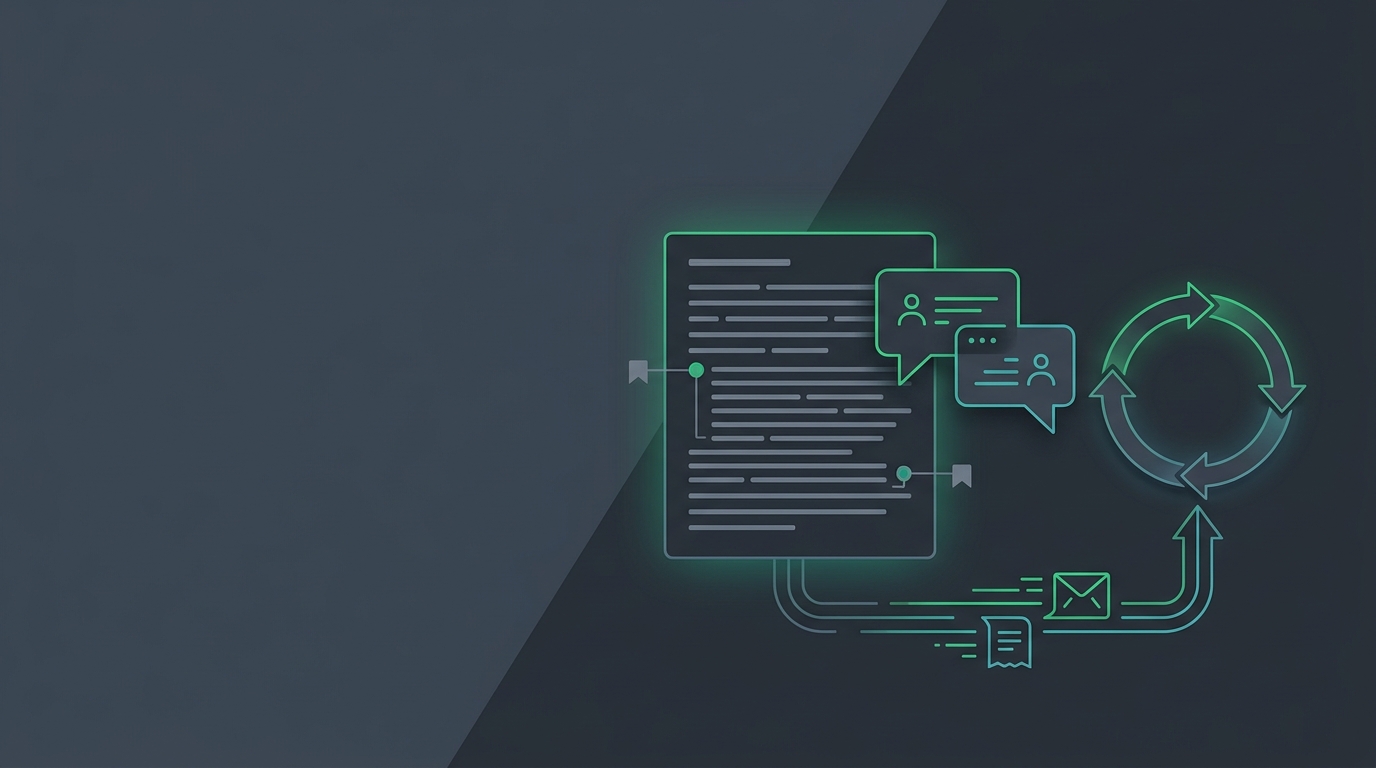
Ask questions grounded in your sources, get Socratic explanations, and let FSRS schedule your reviews. A tour of LearnBook's learning loop.
2026-06-18T14:12:45+08:00
Using LearnBook
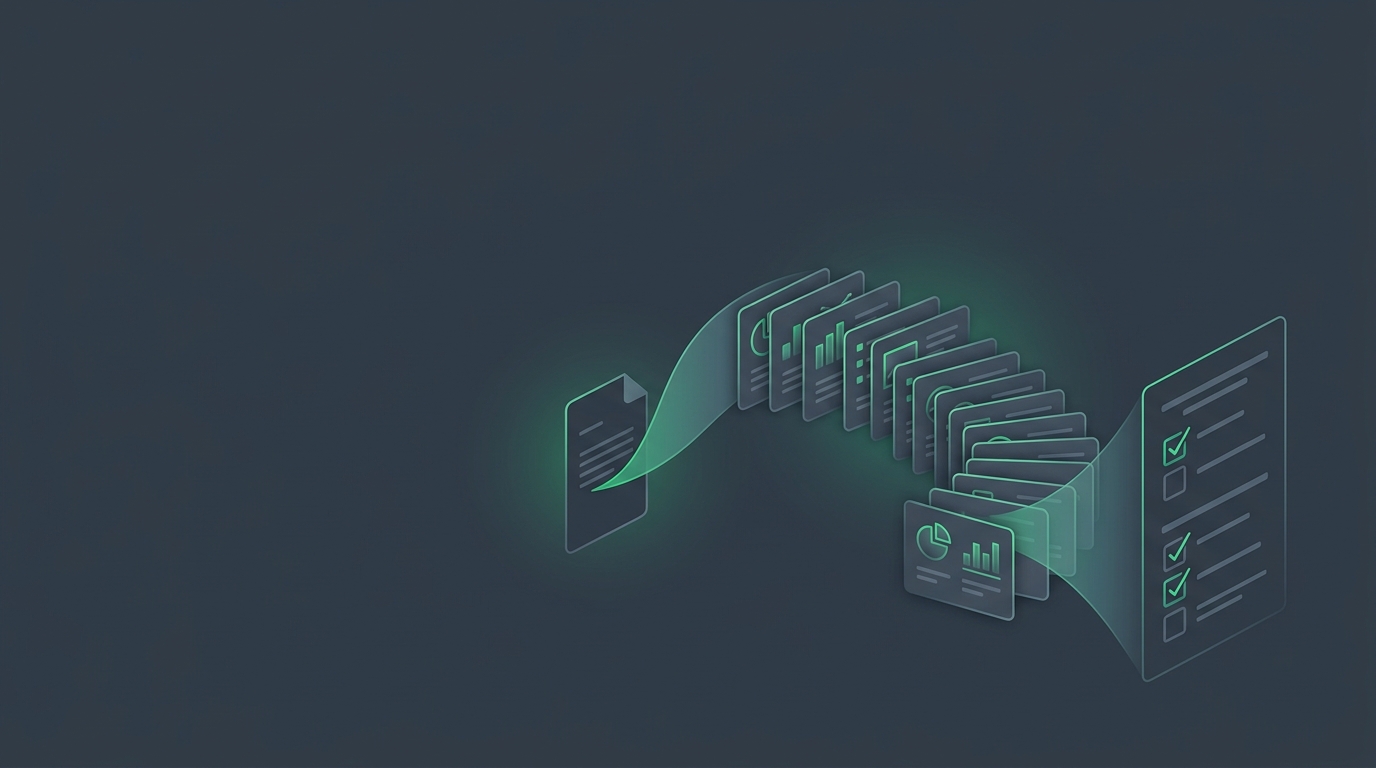
LearnBook turns any source into flashcards and quizzes grounded in the original text. Here's how to generate and use them.
2026-06-18T14:12:45+08:00